
Features
Everything below ships in the box. No enterprise tier, no feature gating, no add-ons. For what is on deck, see the roadmap.
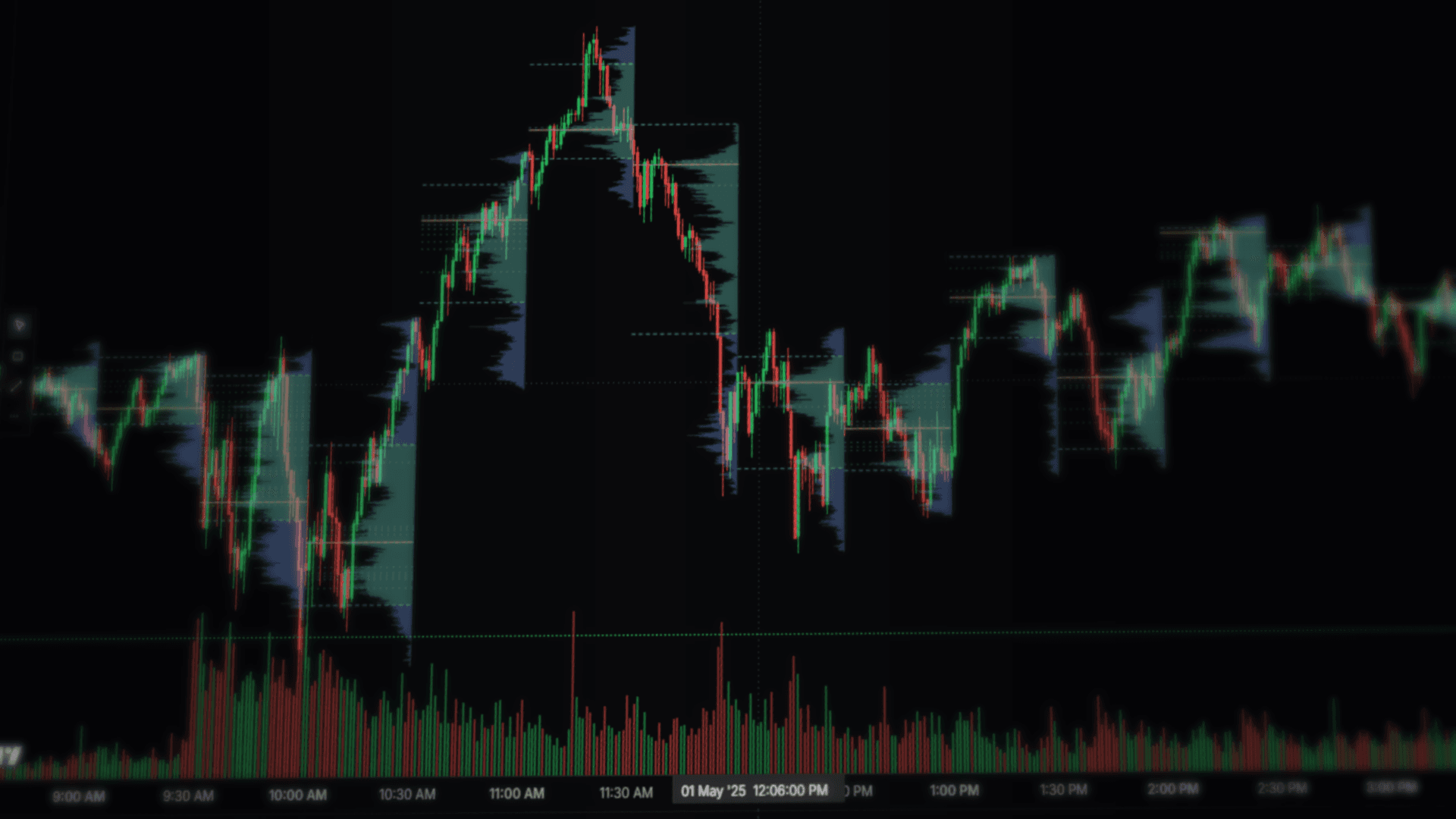
Volume profile per bar
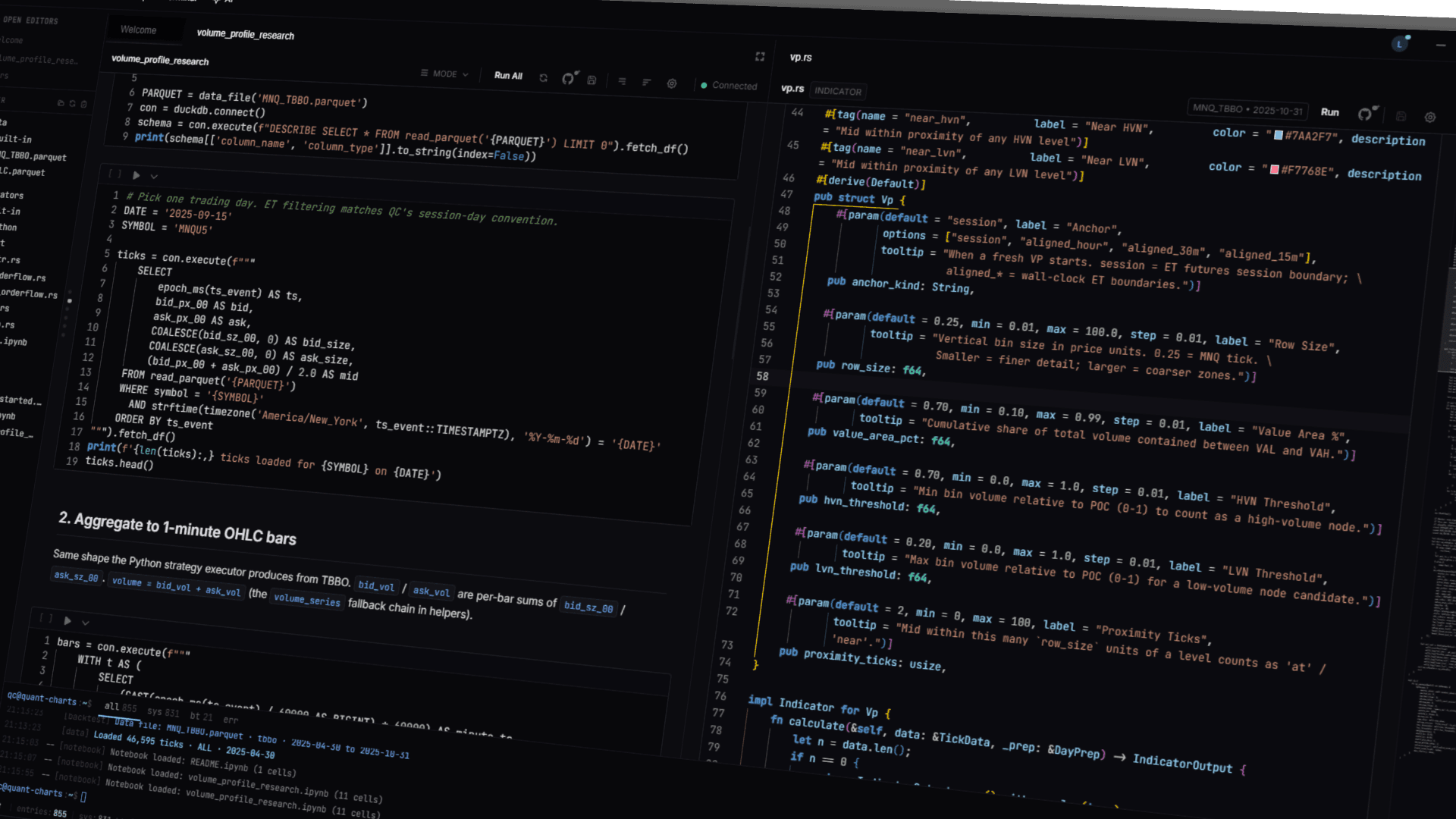
VP was not bolted on. The whole indicator class hierarchy got designed around making it programmable, which is why a 200-line file in Python or Rust can replace the bundled VP entirely. You write the session anchor. You write the value-area math. You decide what counts as a high-volume node, a low-volume node, a shelf, an imbalance. The decorator gives you the tick stream, the price ladder, and the chart canvas; what you put on the chart is whatever your function returns.
The tick-fidelity reference implementation (vp.rs) ships with six parameters (anchor, row size, value area %, HVN and LVN thresholds, proximity ticks) and emits a useful tag set out of the gate: at_poc, inside_value_area, above_vah, below_val, near_hvn, near_lvn. Combine that with vp_orderflow.rs and you also get zone-conditioned dominance tags like bid_dom_at_poc and ask_dom_at_hvn. None of those are sacred. Ship your own tags; the rest of the platform will pick them up.
TBBO is the default data shape
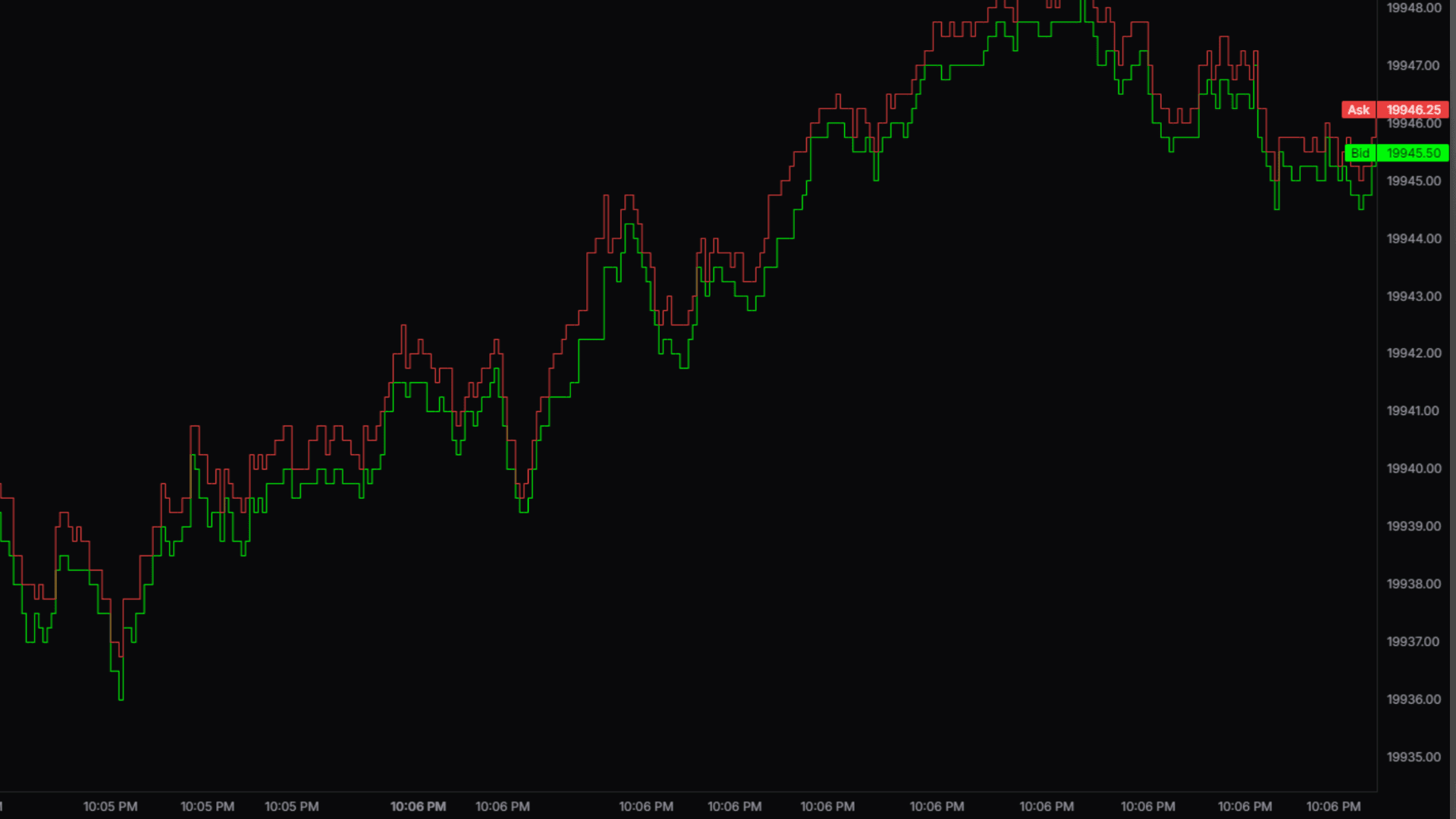
Most platforms charge extra for tick data and treat it as a performance hazard. Here, the engine and the chart were built for TBBO first; OHLC came later, as a downsample. Trade markers land on the actual fill price. The chart can replay tick-by-tick with a separate stepped bid line and a stepped ask line, with the live spread on the right axis.
Aggregated order flow is exposed to Python strategies on TBBO data at any execution timeframe (bid_vol, ask_vol, volume, spread), plus the helpers re-exported from quant_charts: imbalance(bid, ask), cvd(delta), vwap_band(vwap, atr). A volume pane sits below the chart, colored by close-vs-open, and falls back to tick count when a TBBO file has no volume column.
The Rust engine
A Rust NAPI module sits behind everything that runs a strategy. Single-day backtests come back in a few milliseconds, multi-day sweeps in seconds. Trade timestamps stay in milliseconds end-to-end and never snap to a bar boundary. Slippage applies at the tick. Trading-day windows are computed in Eastern Time because UTC clips a Monday futures session in half (a Monday session starts Sunday 6pm ET); we tried it the other way first.
Walk-forward splits, optimizer sweeps, and tag-filtered re-runs reuse the same engine path. An in-sample fill and an out-of-sample fill go through identical microstructure. C++ strategies as a third execution language are on the roadmap.
Backtest fidelity, by construction
The cliche about retail backtests is that they deflate on contact with live. The leak is usually in the fill model. The engine pins the parts that drift by construction rather than as configurable flags. Long entries fill on the ask, long exits on the bid; shorts the reverse. Slippage applies at the tick. TBBO replay reads the actual bid and ask streams from the parquet file, so an entry priced inside the spread fills at the spread it could have actually crossed. Trade timestamps stay in Unix milliseconds end-to-end and never round to a bar close. Trading-day windows compute in Eastern Time because UTC clips a Monday CME session in half (a Monday CME session starts Sunday 6pm ET).
The single-position-at-a-time constraint, the SL/TP cascade, and the order-of-fills route through the same engine path on every surface that runs a strategy: optimizer cells, walk-forward windows, tag re-runs, and analyzer mode. An in-sample fill and an out-of-sample fill go through identical microstructure. None of these knobs are exposed in a settings panel because they are not knobs.
Optimization, with the surface in view
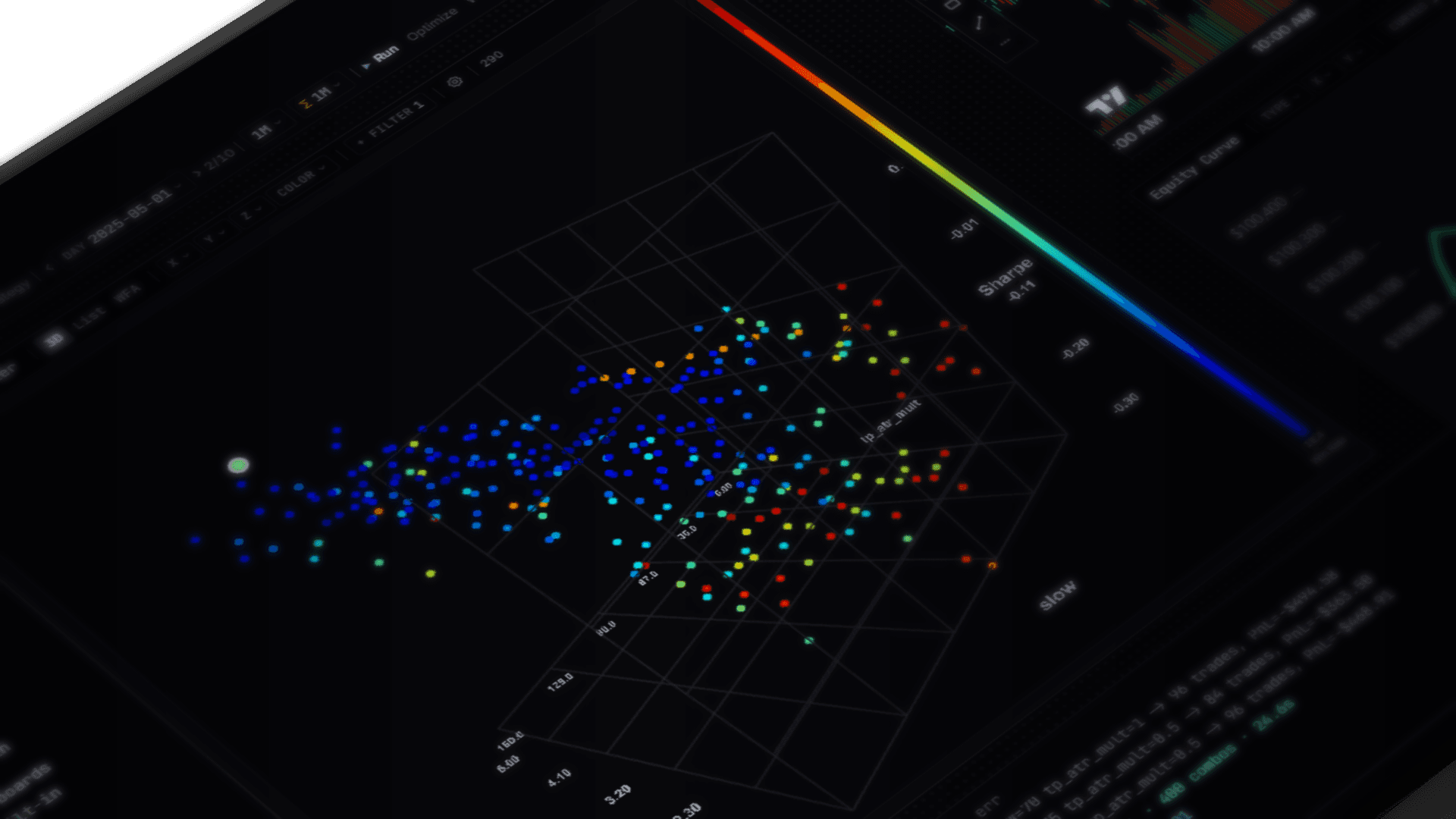
Optimization with no out-of-sample check is curve-fitting. The robustness surface and the walk-forward overfit indicator exist so you can pick a parameter neighborhood that survives instead of a peak that fits in-sample noise. Both are first-class panels, not features behind a checkbox.
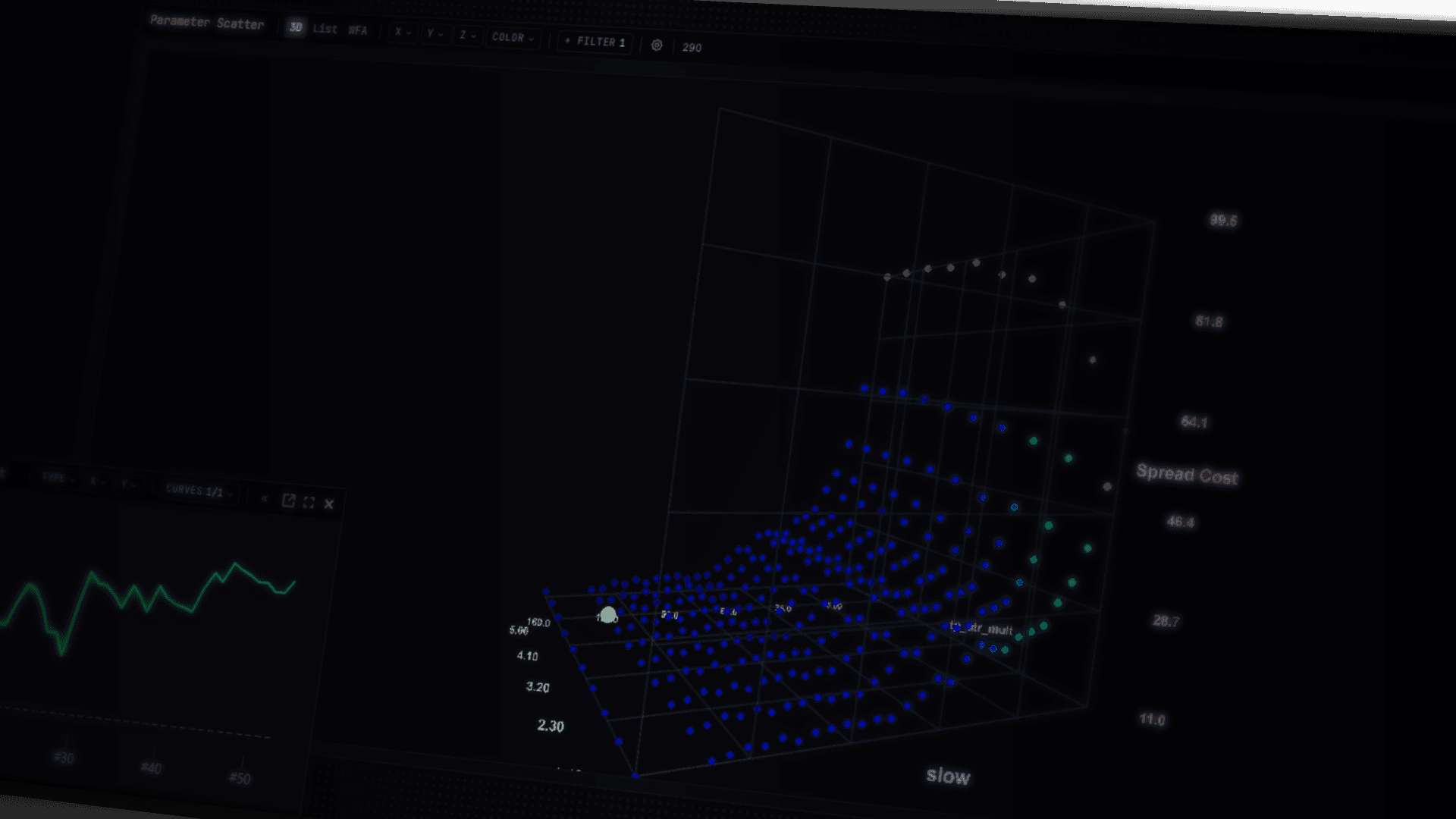
Cross-product sweeps run across whatever parameter axes you define. The result renders as a 3D heatmap. Click any cell to load that combination's full equity curve and trade list inline. Tens of thousands of combinations finish on a typical desktop run; heavier sweeps will move to rented server-side compute when that lands.
Robustness scoring runs across the whole surface so you can pick a parameter neighborhood instead of the single peak that curve-fits hardest. Sweep presets save and re-run on new data. Per-tag stats survive optimization re-runs and clear-button cycles, which sounds like a small thing until you spend an afternoon losing them.
Walk-forward without re-running the strategy
Configurable in-sample / out-of-sample splits, anchored or rolling, with the window length and step size you set. The panel shows per-window equity curves, an aggregate score, and an overfit indicator that flags strategies that work in IS and die in OOS. The engine caches signal bundles so you can re-run with different split parameters in a few seconds without re-executing the strategy code itself. Switching the data file or the analyzer mode drops the bundles automatically; nothing stale survives the switch.
Tag filtering routes through the engine
Other backtesters (NinjaTrader's tag-zone filter, for example) filter the trade list after the fact and call it cascade-correct. Here, when you flip a tag dropdown after a run, the engine re-runs from scratch with a trading mask built from your pre-computed tag arrays. The single-position-at-a-time constraint, the SL/TP cascade, and the order-of-fills carry through the filter the same way they did on the original run.
A tag is anything you compute. A regime label from a classifier. An order-flow dominance flag. A time-of-day bucket. The output of an external model. Compute them once inside the strategy run; the engine keeps the arrays. The MAE/MFE 3D scatter brushes against the same set, so you can drag-select trades on the scatter and watch the equity curve repaint underneath.
# Flip a tag dropdown after the run, the engine re-runs
# with a trading mask built from your tag arrays.
mask = (trades.tags["bid_dom_at_poc"]
        & trades.tags["regime_low_vol"]
        & ~trades.tags["news_window"])

filtered = analyzer.rerun(mask)
filtered.equity_curve.plot()
filtered.mae_mfe.scatter(brush=True)
notebooks/built-in/analysis.ipynb, abridged.
Live trade modification
Strategies and indicators can fire trigger events mid-trade. Tighten a stop on a regime flip. Move SL to breakeven when your indicator says the move has paid for itself. Trail a TP per-tick. The bundled dynamic_sl.py shows the trigger-driven SL path; trail_sltp.py shows the manual per-tick variant; regime.py registers a set_sl_breakeven trigger on regime change.
The analyzer measures every trigger event post-hoc. The built-in analysis.ipynb notebook walks through tag analysis, trigger-impact attribution, filtering, and group comparison in one workflow, so you can see how each trigger event actually shifted your edge instead of guessing.
Strategies are Python files
A strategy is a Python class with init and on_bar or on_tick. Switch the file extension to .rs and the same idea is a Rust struct that compiles per-edit. Indicators come in two flavors, overlay (drawn on the candles) and subpane (drawn underneath), with full access to canvas drawing primitives. Use NumPy, pandas, scikit-learn, polars, or any package you have installed. The Monaco editor speaks the qc.ta namespace fluently: signature help, completions, parameter dropdowns, per-instance timeframe override.
A small bonus: the editor has a TradingView script converter that takes a Pine snippet and emits a Quant Charts indicator stub. Not every Pine feature maps cleanly, but the boring translation work is done.
A real Jupyter, in the workspace
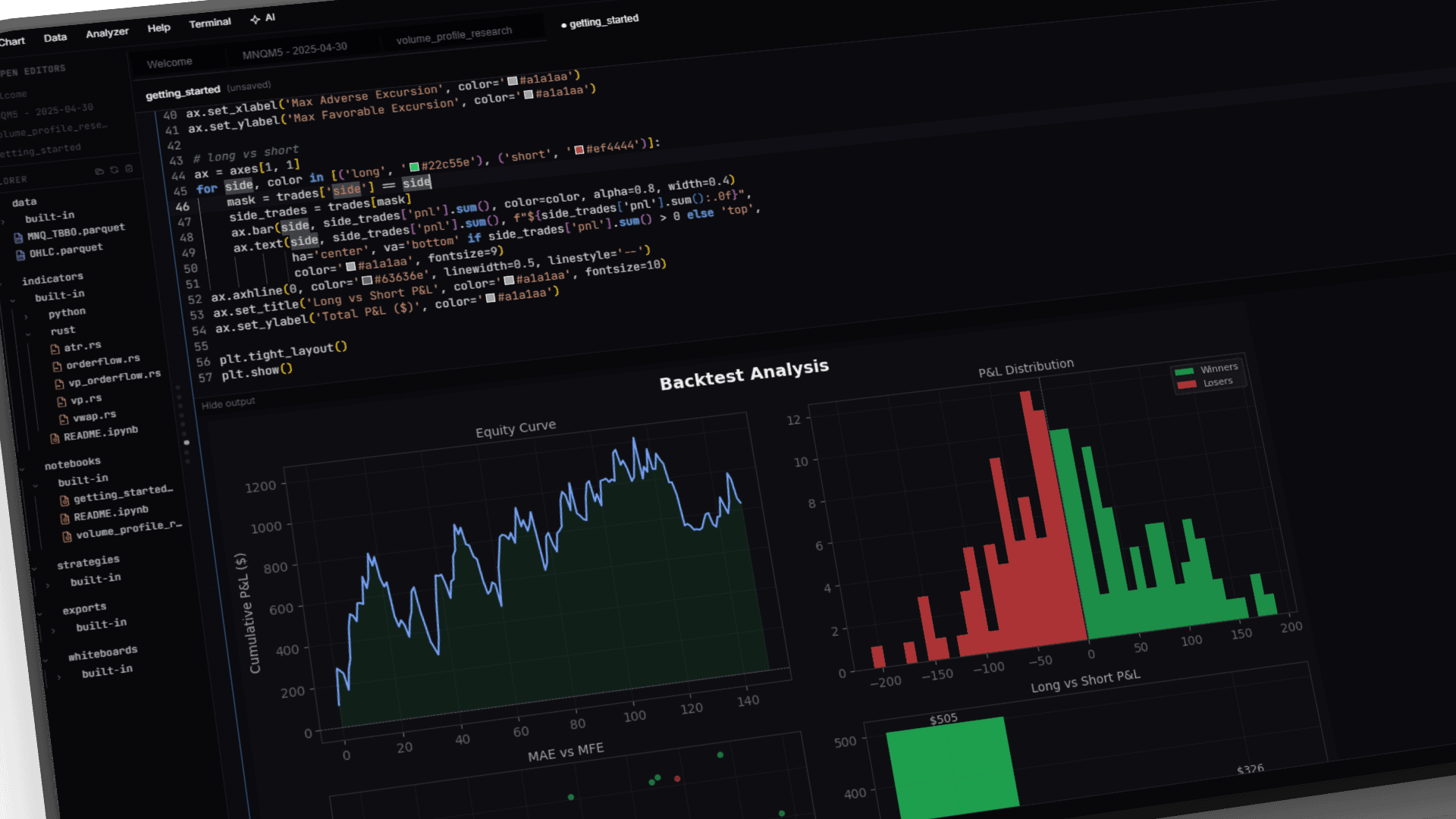
A real Jupyter kernel runs inside the app. Faster cell execution, smarter restart, inline matplotlib without the auto-save races. The qc.runner API is identical to what the Analyzer tab uses, so a notebook that loops over a year of trading days and runs Monte Carlo on the result is two calls and a list comprehension. Markdown cells render LaTeX, including matrices, integrals, and the rest of the Greek alphabet (yes, we checked).
Three notebooks ship in the workspace: getting_started.ipynb (decorators, data, plotting, backtesting, optimization), analysis.ipynb (tag analysis, trigger impact, filtering, group comparison), and multi_day.ipynb (multi-day backtests, Monte Carlo, parameter sweeps for both .py and .rs strategies).
AI agents in the editor
Claude Opus 4.7 (1M context) and Gemini 2.5 Pro run inside the app with read-write access to your workspace. Authoring strategies, editing indicators, running backtests, querying parquet, refactoring across files. Every diff is presented inline before it lands; no surprise rewrites. Bring your own Anthropic or Google API key. The per-message cost shows up right next to the chat so you know what a long thinking turn actually costs.
The agent loop is fast. First-message context is a few hundred tokens instead of the old ~12k, tool calls stream, and prompt cache hits are routinely above 80%. The chat panel feels like a real editor companion, not a chatbot wedged into a pane.
Drive the app from outside (MCP)
The same agent surface is also reachable from outside the app. A built-in MCP (Model Context Protocol) server lets Claude Desktop, Cursor, Zed, or your own MCP client talk to the running Quant Charts process. Plug in once. Your agent can read your strategy code, search the workspace, query a parquet file, run a single-day backtest with live progress, validate code, and edit notebook cells.
18 tools cover file ops, workspace search, parquet query, single-day backtests, and notebook editing. 3 resources expose the workspace tree, the last backtest summary, and the app version. Your Claude Pro or Max plan pays for the tool calls, so no separate API budget. There is a kill switch and a config-export button under Account > MCP server.
# 18 tools, grouped by surface
# File ops
  read_file         list_files          search_files
  create_file       edit_file           apply_diff

# Workspace lookups
  list_strategies   list_indicators     workspace_search

# Data
  query_parquet     describe_data_file

# Backtests
  run_backtest      run_sweep           get_equity_curve

# Notebooks
  create_notebook   edit_cell           insert_cell         delete_cell
mcp-server/src/tools, listed.
Multi-window analyzer
Pop the analyzer into its own window. Pop the chart into a second one. The state syncs across windows automatically: selected day, parameter form, tag filters, the lot. Tag-filter and exec-options reruns serialize cleanly across windows so two popouts cannot fight over the same tick cache. Switching the data file or the analyzer mode (strategy vs indicator) drops preserved signal bundles, so the next run starts fresh on every window without you remembering to clear anything.
GitHub, in-panel
Connect a GitHub account from inside the app via OAuth Device Flow (paste a code, approve in the browser, done). After that, push, pull, branch, and remote-URL handling all live in the source-control panel. Your strategies version like normal code, because they are normal code.
Data import
Drop a parquet file into the workspace; DuckDB indexes it. TBBO ticks, OHLC bars, or any tabular data you can fit into parquet. The CSV importer is the surprising one: it handles 12-hour timestamps with AM/PM suffixes, European decimals (3.575,75 becomes 3575.75), mixed thousands separators, and several other formats vendors invent for reasons. The parquet preview is type-aware and color-codes numeric vs categorical columns.
Direct hookups for live Tradovate, live Databento, and MBP-10 (full L2 order book) ingest are on the roadmap.
No proprietary script language
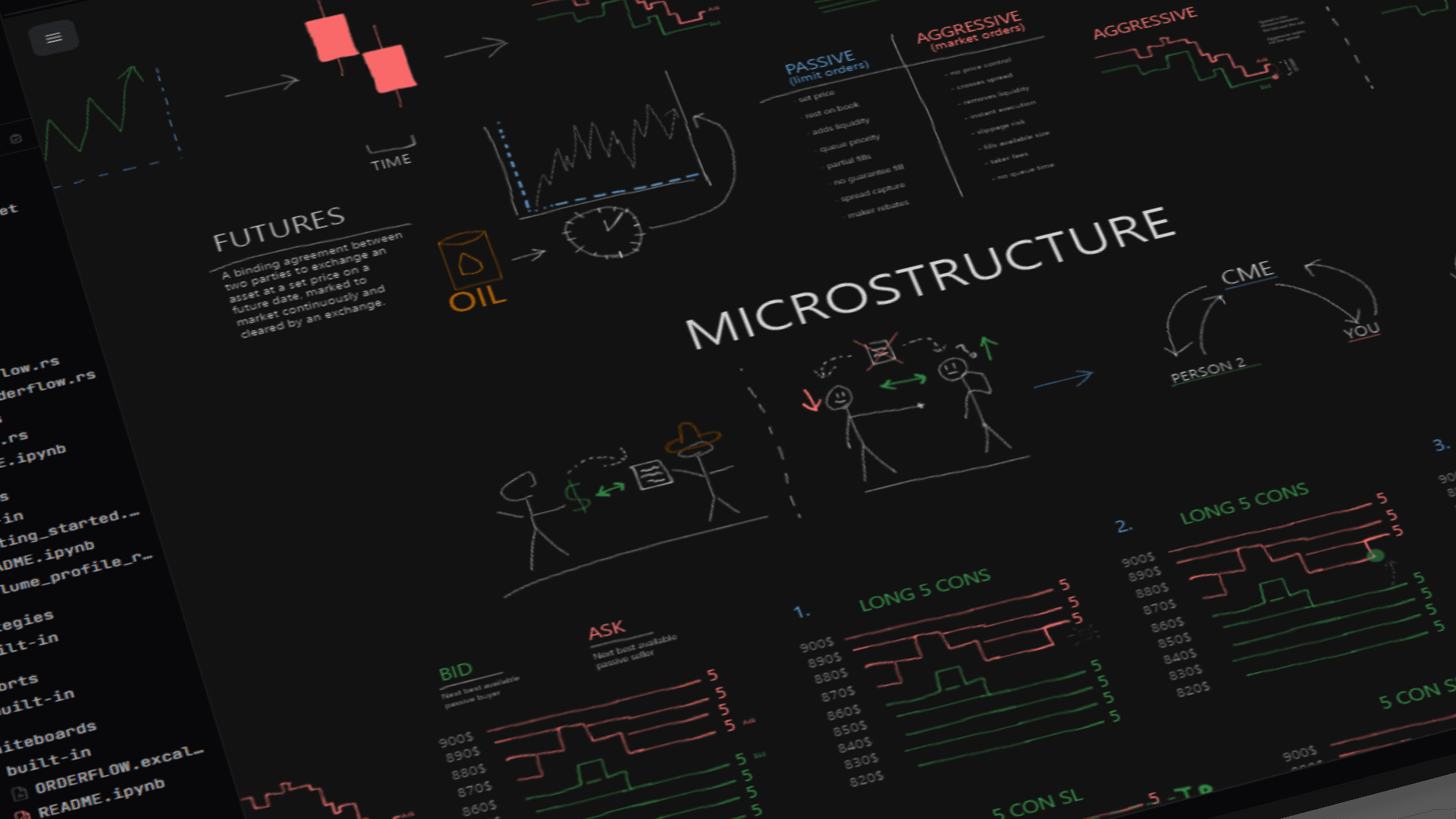
Pine, EasyLanguage, NinjaScript, and ACSIL are platform-locked. The script language only runs inside its host app, and the strategy file is meaningless anywhere else. That is the lock-in we tried not to build.
Quant Charts strategies are plain Python and Rust files on your disk. There is a quant_charts package you import and a Rust engine the decorators wire your class into; that is a custom API, written as a Python library, not a custom language. The body of your calculate method is standard Python: NumPy, pandas, scikit-learn, polars, anything you have installed. The math lifts straight into a notebook and gives back the same arrays. Data sits in parquet, an open standard that DuckDB, pandas, Arrow, and Spark all read directly. Source control is normal Git on a normal folder.
Porting a strategy out is not free. You would rewrite the wiring (the @strategylifecycle, the engine's fill model, the tag-cascade semantics) against whatever runtime you target. What ports without translation is the math you wrote and the parquet underneath it. That is a real cost, but it is a much smaller one than re-learning a closed scripting language from scratch.
The workspace, top to bottom
The shell is FlexLayout, the same VS Code-style dockable tab system you would expect; the rest of the surfaces sit inside. The Explorer groups files by folder and panel, with fast context menus. The Help tab carries the docs you actually need without leaving the app. The Terminal has an audio oscilloscope (no, really; it visualizes whatever sound device you point it at, off by default) and proper code-output styling. The bottom status bar shows live py / np / rs / qc / win / gpu health at a glance, so when something goes sideways you know which subsystem to blame within a second.
Drawing tools clamp to the crosshair correctly, support labels, and survive panel rearrangement. A per-strategy timeframe pill sits in the chart top bar, so switching the execution timeframe on a strategy is one click instead of three menus deep.
FAQ
Can I run live algorithmic trading?
Not in v1.0.8. The engine is research-only by design and stays that way until the risk controls land properly. Live algorithmic trading is on the roadmap, alongside a planned TCP-server interface and direct Tradovate / Databento live data hookups that will make Quant Charts addressable from outside. What an operator builds on top of those interfaces, and how an order is routed, is their own responsibility under the EULA. We are not shipping live execution before the risk side is ready.
Can a single strategy trade multiple instruments?
Today the strategy contract is single-asset, single-stream, single-session. Multi-stream strategies (pair instruments, mix TBBO with OHLC) and arbitrage execution patterns are on the roadmap.
Is there Mac or Linux support?
Windows 10 and 11 x64 only at v1.0.8. The Rust engine is portable and macOS / Linux builds are on the longer roadmap, but no dates promised.
Do I need an Anthropic or Google API key?
For the in-app agents (Claude, Gemini), yes. Bring your own key and the per-message cost shows up in the chat panel. For the MCP server, no separate key. Your Claude Pro or Max plan covers the tool calls when the host is Claude Desktop.
What data formats can I import?
The converter is built primarily around Databento .dbn / .dbn.zst archives (TBBO, OHLC, and MBP-1 schemas auto-detected from the message type), but it is not Databento-only. CSVs from NinjaTrader (semicolon-delimited bar and tick exports), TradeStation (slash-delimited dates with time columns), MotiveWave, Sierra Chart, and TradingView all auto-detect, as does any generic OHLC CSV with the standard open/high/low/close headers and any TBBO CSV with bid/ask price columns. Apache Parquet reads and writes natively. JSON arrays and JSONL records work too, including .txt files the converter sniffs at open. Along the way it normalizes ISO 8601, Unix-millisecond, NinjaTrader, and TradeStation timestamp formats, plus European decimals (3.575,75 becomes 3575.75), mixed thousands separators, and comma / semicolon / tab delimiters. Everything lands as standardized parquet that DuckDB and the Rust engine read directly.
Can a strategy read data from previous trading days?
Within a single backtest the engine runs one trading session at a time, so each run sees that day's bars. To analyze across sessions today, use the qc.runner API in a notebook: the bundled multi_day.ipynb loops the backtest over a date range for both Python and Rust strategies. Cross-session warmup and positions that carry overnight from inside a single strategy run are on the roadmap.
What markets is this designed for?
Futures, primarily. The TBBO-first data model, the ET trading-day boundary math (a Monday CME session starts Sunday 6pm ET), the bid/ask fill conventions, and the bundledvp_zone and order-flow strategies were all built with futures in mind. The engine itself is asset-agnostic though: if a parquet of OHLC bars or TBBO ticks for any market lands in the workspace, it runs. Equities work cleanly under the ET defaults. For crypto or non-US sessions you handle the session windowing inside the strategy.
Can I write strategies in Rust?
Yes. Switch the file extension to .rs and the strategy compiles per-edit with the same Monaco signature help and color-coded outputs as the Python path. Rust is recommended for tick-fidelity work on TBBO data; Python is the right call for everything else. C++ is on the roadmap as a third execution language.
Can I run optimization sweeps in the cloud?
Not yet. Heavier sweeps will move to rented compute once server-side backtests land on the roadmap. Today, tens of thousands of combinations finish on a typical desktop run.
Are multi-day backtests supported?
The Analyzer tab is single-day. Multi-day backtests, Monte Carlo, and multi-day parameter sweeps run via the qc.runner API in notebooks. The bundled multi_day.ipynb shows the loop end-to-end for both Python and Rust strategies.
How realistic are the backtests?
Tick-level on TBBO data, bar-by-bar on OHLC. Long entries fill on the ask, long exits on the bid; shorts reverse. Slippage applies at the tick. Trade timestamps stay in milliseconds end-to-end and never snap to a bar close. Trading-day windows compute in Eastern Time so a Monday CME session starts Sunday 6pm ET. Tag filters route through the engine (not the trade list), so the SL/TP cascade and the single-position-at-a-time constraint carry through every re-slice. The walk-forward overfit indicator and robustness surface sit next to the optimizer so the curve-fit peak does not ship.
What happens to my strategies if Quant Charts shuts down?
They keep opening. Strategies are plain .py and .rs text files in your workspace folder, version-controlled with Git in-app. Data is Apache Parquet, readable by DuckDB, pandas, polars, Arrow, and Spark. There is no proprietary script language and no encrypted bundle. Porting a strategy to another platform is a rewrite of the wiring (the @strategydecorator becomes the new platform's lifecycle hook, the engine's fill model becomes whatever theirs is), not a translation from a closed DSL. The math you wrote in calculate is standard NumPy and pandas; you keep it.
Can I write a strategy the engine does not natively support?
Probably yes. The strategy body is whatever Python you want: NumPy, pandas, scikit-learn, polars, custom Cython, network call, anything you have installed. Indicators draw with the same chart primitives the bundled volume profile, footprint, and overlays use. For tick-fidelity hot paths, the same idea is a Rust file that compiles per-edit. The hard ceiling today is the engine contract itself (single-asset, single-session, single-stream); multi-day, multi-stream, and arbitrage are on the roadmap.
$29.99 a month covers all of the above. Read the pricing page for billing details or jump to the signup form.